 DuoShell
Your servers, one tap away.
DuoShell is an SSH app for iPhone and iPad. Set it up once, then sign in to your Macs, servers and Raspberry Pis with Face ID. No passwords to type, no keys to copy around.
Free while in beta on TestFlight · iOS and iPadOS 17 or later
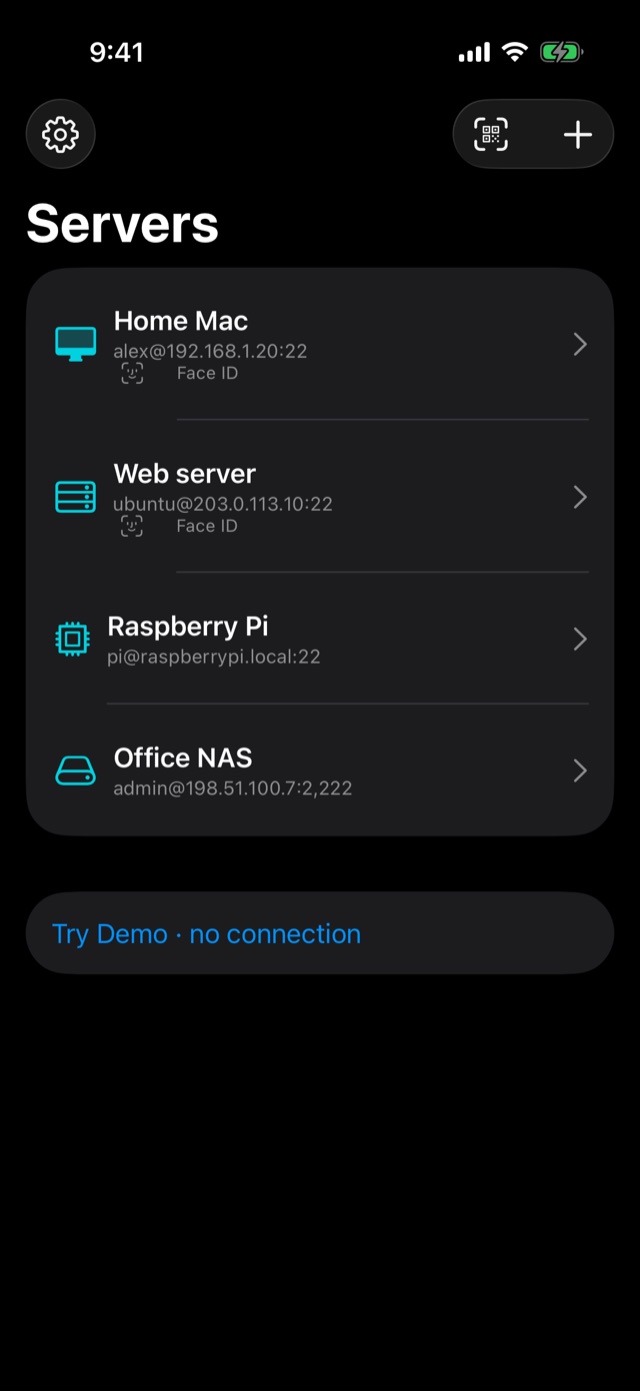
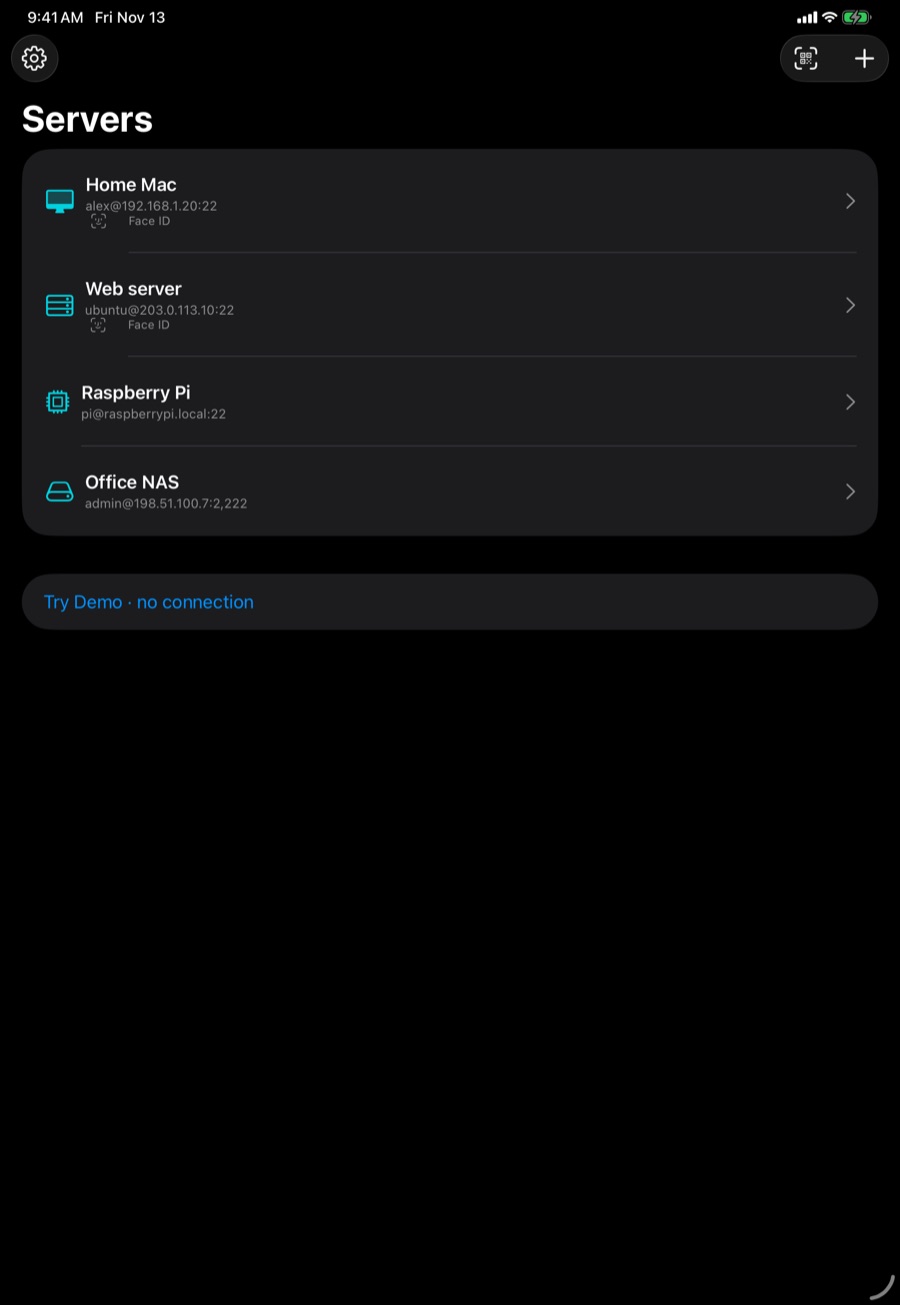
Built for signing in from your phone
Face ID instead of passwords
Your iPhone makes its own SSH key inside the Secure Enclave. It can't be copied off the phone, and every connection is unlocked with one look.
Pair with your Mac
The free DuoShell Pair app (or a one-line command) puts your phone's key on every server your Mac can already reach. Scan a code once; you're done.
No Mac? No problem
Add a server with the password your host gave you. DuoShell signs in once, installs its key, and switches you to Face ID.
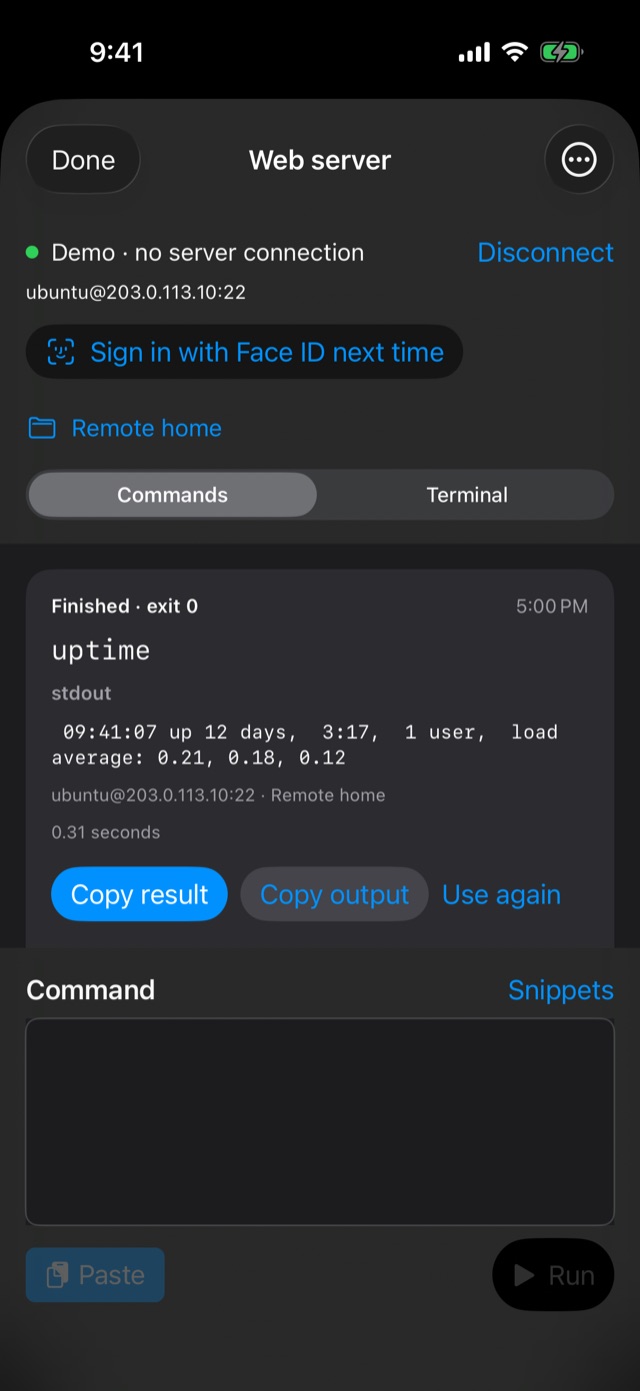
Paste. Run. Copy.
Run a command and get its result as a tidy card you can copy in one tap. Perfect for commands from a guide, a coworker or an AI assistant.
Works anywhere
DuoShell tries your office or home network first, then your Tailscale address, automatically. Each server's identity is checked every time.
Never lose your place
Turn on tmux for a server and your terminal picks up exactly where it left off after a dropped connection. One tap reconnects.
Three steps to Face ID sign-in
- Get DuoShell on your iPhone or iPad.
- Pair or sign in once. Scan the code from DuoShell Pair on your Mac, or connect with your server's password and tap Sign in with Face ID next time.
- Tap a server and look at your phone. That's it, every time after.
Private by design
No account. No analytics. No tracking. DuoShell talks only to the servers you add and, during pairing, to your own Mac. Your server list can sync between your devices with iCloud; your keys and passwords never leave the device they were made on. Read the privacy policy.